Lesson 1. Getting Oriented in Zapier#

Why This Matters#
Zapier is the most popular no-code automation platform, connecting 7,000+ applications. Understanding its interface and logic is the first step to creating automations and AI agents.
Key Idea#
Zapier = triggers + actions + AI agents + data
Everything you learned in modules 1–3 comes together here into working automations.
What Is Zapier#
Zapier is an AI orchestration platform that connects your tools, AI apps, agents, and chatbots into a single system. Without a single line of code.
Main Zapier products:
- Zaps — automated workflows («when X → do Y»)
- Zapier Tables — databases for storing and managing data
- Zapier Interfaces — forms for collecting data that instantly trigger automations
- Zapier Agents — AI assistants that work with your apps in the background
- Zapier Chatbots — AI chatbots for answering customer questions
There's also Zapier Copilot — an AI assistant built into every Zapier product. It helps you create, configure, and debug automations in plain language.
Registration and First Login#
- Go to zapier.com
- Click "Sign Up" or "Get started free"
- Sign in with Google, Microsoft, Apple, or email
- Choose account type (personal or team)
- Complete the short survey — Zapier will offer personalized recommendations
Important: as of early 2026, Zapier's free tier includes 100 tasks/month and up to 5 Zaps. That's enough for learning.
Main Screen#
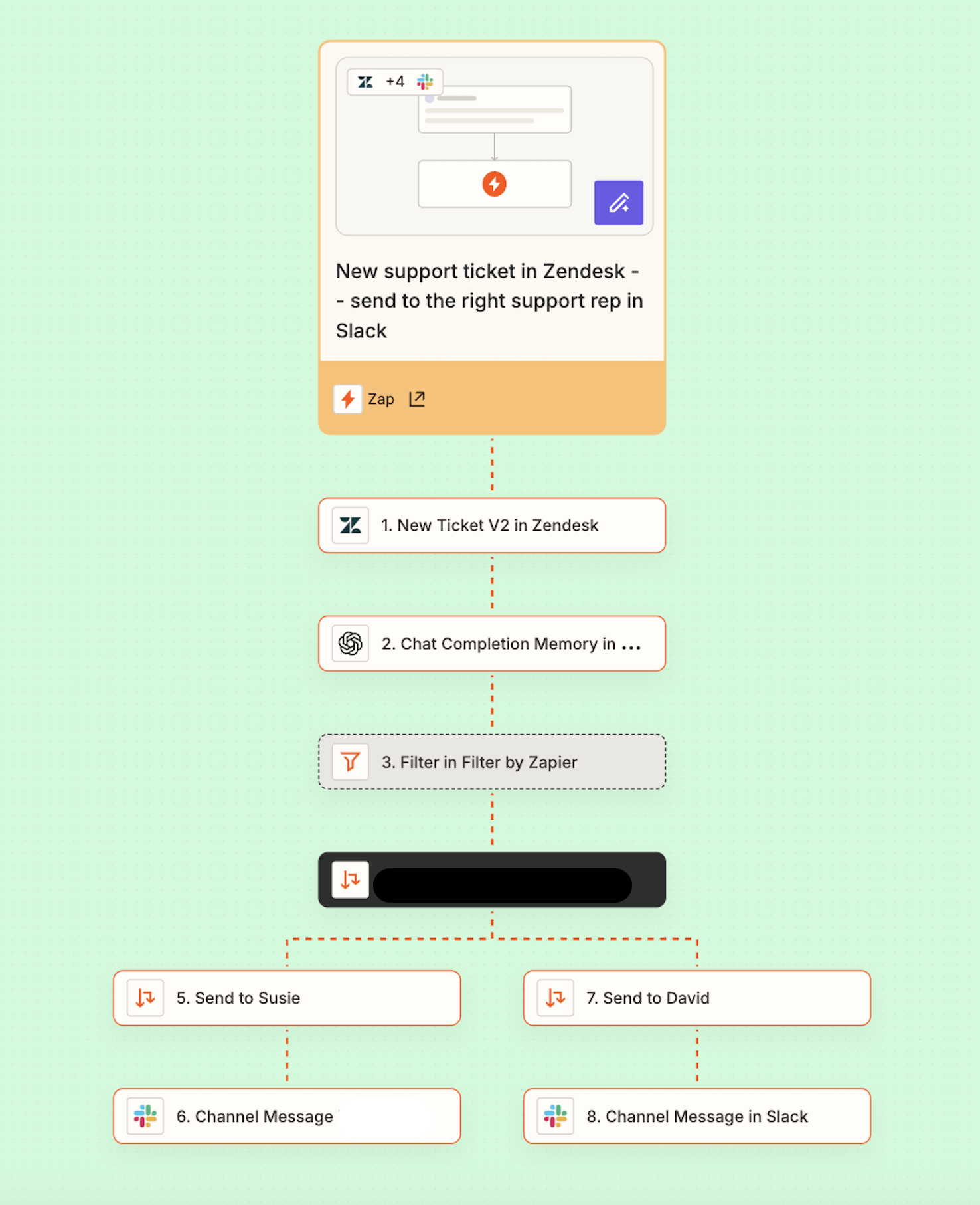
After logging in you'll see:
- Home — dashboard with recommendations and quick start
- Zaps — list of your automations
- Tables — databases
- Interfaces — forms and pages
- Agents — AI agents
- Chatbots — AI chatbots
Key Concepts#
| Term | What It Is | Analogy |
|---|---|---|
| Zap | Automation (workflow) | «A robot that does routine work for you» |
| Trigger | Event that starts a Zap | «When this happens…» |
| Action | What the Zap does after the trigger | «…then do this» |
| Task | One successful Zap action | «Unit of work» |
How It Works#
- Event (trigger) → new form submission arrives
- Zapier reads the data and runs the Zap
- Action → writes data to a table
- (Optional) → sends notification to Telegram
The principle is simple: «When this happens → do that».