Lesson 2. API — How Services Communicate#
Why This Matters#
API (Application Programming Interface) is the language programs use to talk to each other. Understanding APIs is important for setting up integrations.
Key Idea#
API = "translator" between services
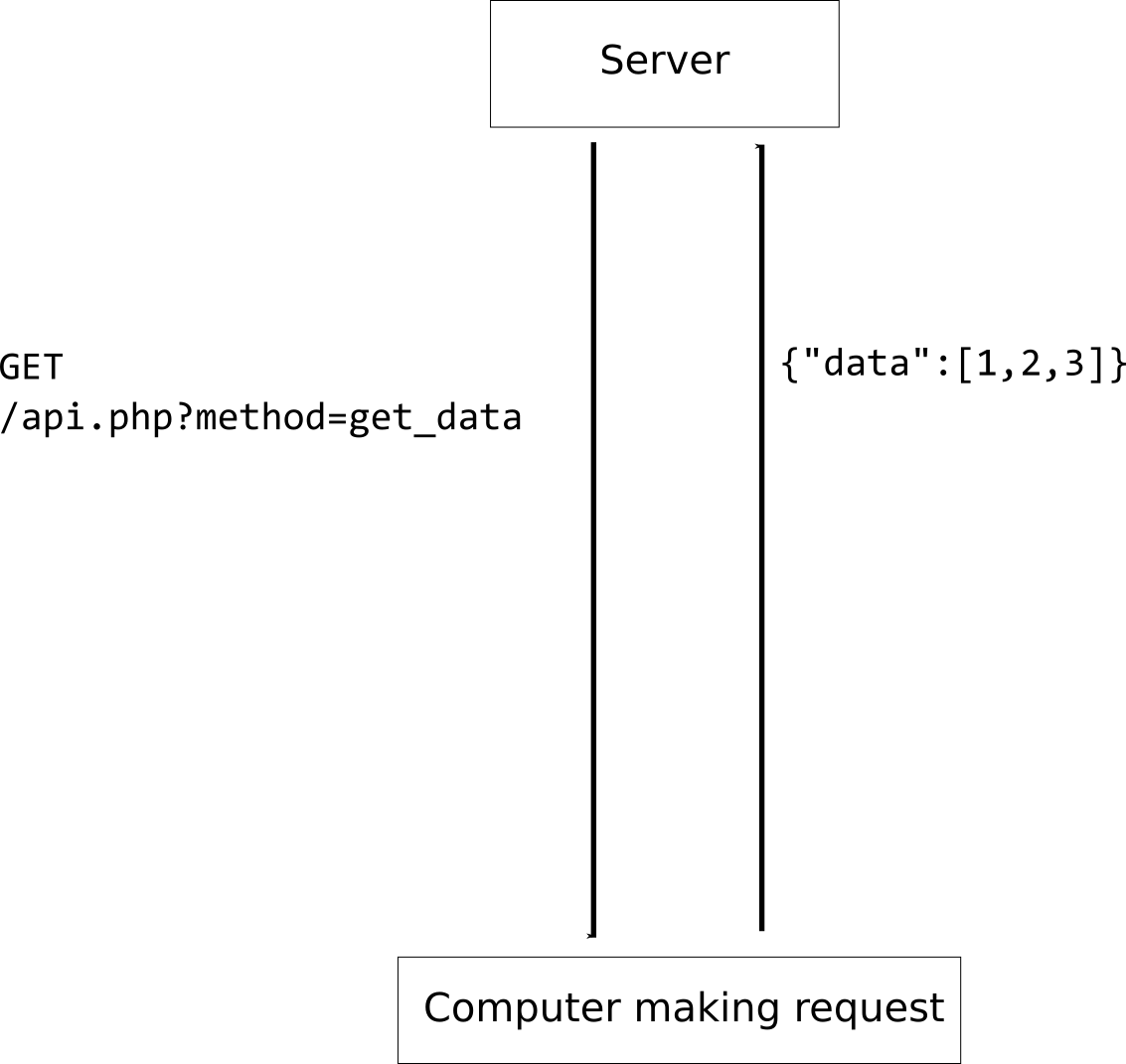
One service sends a request, the other responds. For example, your bot sends a "write data" request to Google Sheets, and Sheets responds "done".
How API Works (Simple Analogy)#
Imagine a restaurant:
-
Customer (your bot) wants to order food
-
Waiter (API) takes the order and brings it to the kitchen
-
Kitchen (the service, e.g., Google Sheets) prepares the order
-
Waiter (API) brings the finished dish back
The API is the waiter who delivers your requests and brings back responses.
Types of API Requests#
GET — retrieve data
Example: "Show me the list of clients"
POST — send data
Example: "Add a new client"
PUT — update data
Example: "Change the client's phone number"
DELETE — delete data
Example: "Remove the client"
Real-World API Example#
Scenario: a bot records a client in Google Sheets
-
The bot sends a POST request to Google Sheets API:
- "Write to the spreadsheet: name — Ivan, phone — +7-999-111-22-33"
-
Google Sheets receives the request, writes the data
-
Google Sheets responds: "Done, written to row 15"
-
The bot receives the response and tells the client: "I've recorded you!"
What You Need to Work with APIs#
-
URL (API address) — where to send requests
Example:
https://sheets.googleapis.com/v4/spreadsheets/... -
Authorization key (API key or token) — so the API knows it's you
Example:
Bearer abc123xyz456 -
Request data — what to send
Example:
{"name": "Ivan", "phone": "+7-999-111-22-33"} -
Data format — usually JSON (more on that next)
What to Know#
-
Most modern services provide APIs
-
You do NOT need to program — no-code platforms do it all for you
-
API is the standard way to integrate in 2026